Your wedding photos arrive about three months after the wedding. There are three thousand of them. The link goes into the family WhatsApp group, everyone opens it once, scrolls for a few minutes, and never opens it again. Your aunt is in fifteen of those photos. She will probably never see them.
Why photos take so long to arrive
Every couple plans the photography. Almost nobody plans what happens after it. Here is the usual timeline:
- Weeks 1 to 3. The photographer picks the best shots out of thousands.
- Weeks 4 to 10. Editing. Colours are fixed, and the second photographer’s photos are added in.
- Around week 11. You get a Google Drive link, a Dropbox folder, or a USB stick.
- An hour later. You share that link with 200 people.
None of that is the photographer’s fault. Good editing takes time. The wait is not really the problem. The problem is what happens when the link finally arrives.
Why it is so hard to find yourself
Think about a normal Indian wedding:
- Five functions — mehendi, haldi, sangeet, the wedding and the reception
- Two photographers over three days
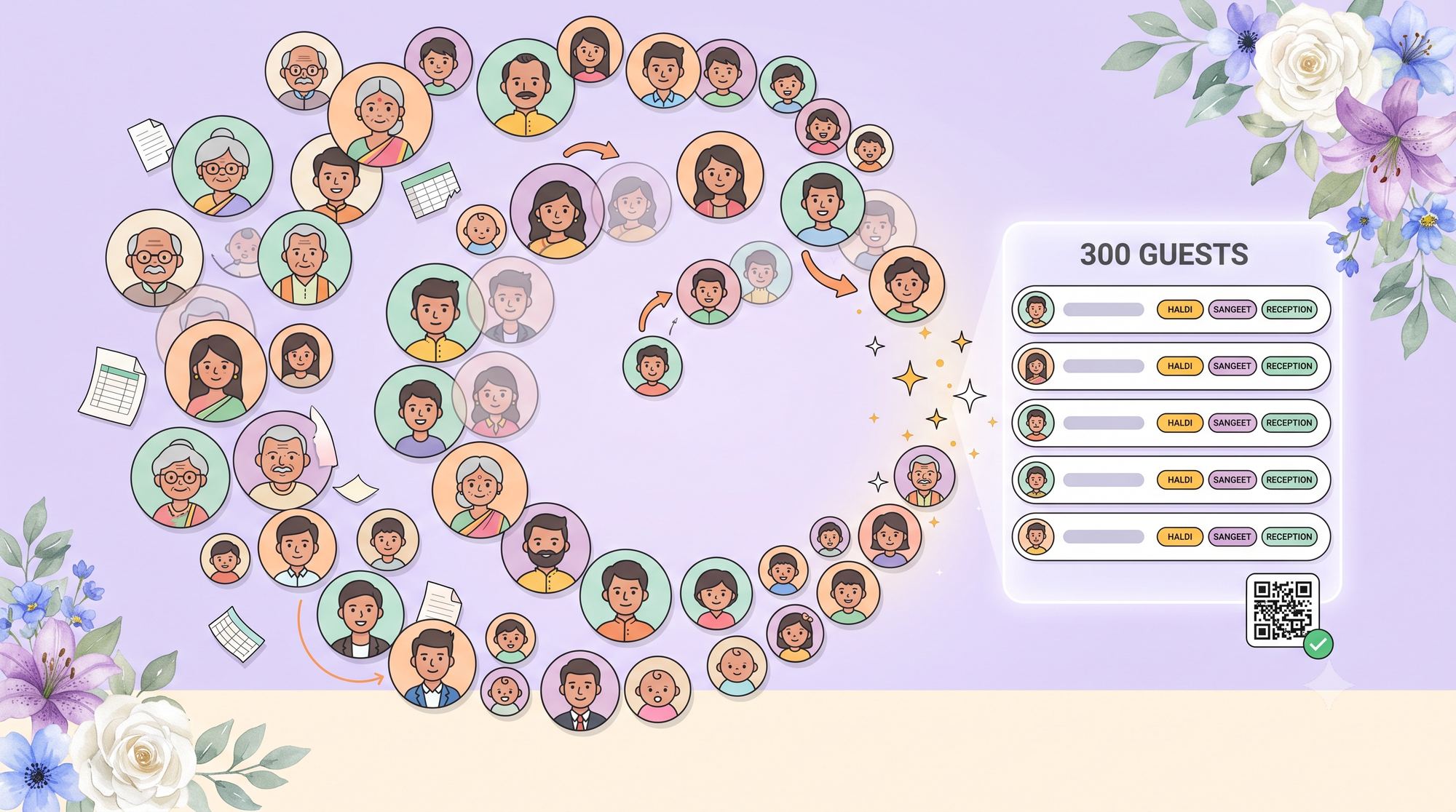
- Around 400 guests
- About 3,000 photos in the final folder
A guest who came to two of those five functions might be in fifteen photos. Out of three thousand. That is less than one photo in every two hundred.
To find their fifteen, they have to scroll past 2,985 photos of other people. On a phone. In a folder where the files are just named DSC_4471 and so on.
Nobody does this. They scroll for a few minutes, save one blurry photo with their cousin, and close the tab. The lovely shot of your grandmother laughing during the haldi never gets seen, because it is somewhere on page forty-one.
What guests do instead
When it is too hard to find themselves, guests do one of three things — and all three cost you something:
- They ask you. You become the photo help desk. “Do you have any of us from the sangeet?” — forty times, for months.
- They take screenshots from Instagram. So they end up with a small, blurry, cropped version instead of the real photo.
- They give up. This is the most common one, and you never hear about it. Nobody complains about a folder they stopped opening.
Sharing photos and finding photos are two different jobs
Most photo tools are built for sharing. They get the photos from the photographer to you, and from you to your guests. They do that well.
But your guest does not want the photos. Your guest wants their photos. That is a different question, and scrolling is a bad way to answer it.
| What the guest wants | A normal photo folder | A photo finder |
|---|---|---|
| “Which ones am I in?” | Scroll and look | One selfie, ten seconds |
| 3,000 photos, 15 are yours | You see all 3,000 | You see your 15 |
| Five different functions | Five folders to open | All five searched at once |
| Two photographers | Two links, two folders | One search |
| Grandma wants hers | She will not scroll on a phone | She takes one selfie |
| Asking a year later | Link expired, folder gone | Same link, still works |
So instead of asking guests to look through the photos, we ask them one thing: who are you?
How it works
The whole thing takes about ten seconds:
- You upload your photos to your event, the same ones guests can already look through.
- Your guest opens the photos page from a link or a QR code. No app to download. No account to create.
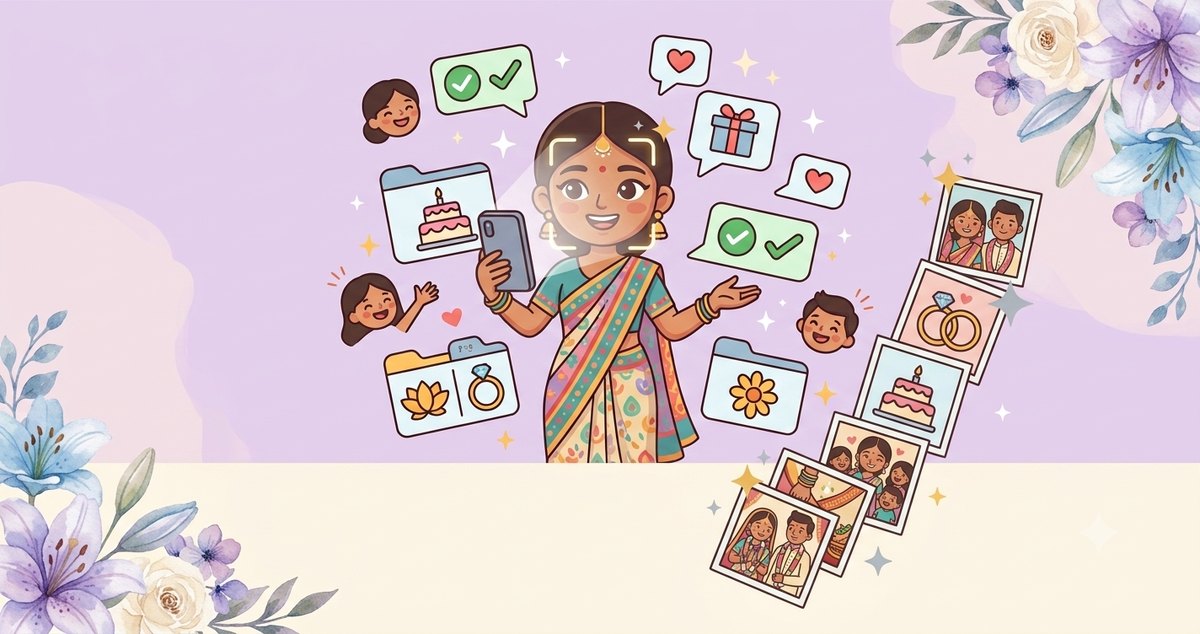
- They take a selfie. One tap on the front camera. They tick a box giving permission first.
- They get their photos. Every photo from your wedding they appear in, ready to download in full quality.
No scrolling. No folders. No messaging you. The guest who came to two functions gets their fifteen photos, and none of the other 2,985.
What happens to their face scan
This is the part worth being clear about, because it is people’s faces.
- The selfie is never saved. It is used for that one search and then it is gone. There is no copy of it anywhere afterwards.
- Only your own uploaded photos are searched. Not the internet. Not other people’s weddings. Only your event’s photos.
- Each wedding is kept completely separate. A search on your wedding can only look at your wedding. There is no shared pool of faces across different couples.
- Guests give permission first. They tick a box that explains a face scan is being used to find their photos, with a link to the details, before anything happens.
- Delete the event and the face data goes too.
- You can turn it off whenever you like, which erases it for your wedding straight away.
What it cannot do
Two honest limits:
- It is not perfect. A guest photographed from behind, in the dark, mid-dance, or half hidden behind a dupatta might be missed. No face search can fix that.
- We would rather miss a photo than give you the wrong one. The matching is set to be strict. So you might occasionally miss one of your photos — but you are very unlikely to be shown photos of someone who just looks a bit like you.
Guests can always still scroll through everything the old way. The finder is the quick route, not the only one.
Why Indian weddings make this harder
A one-day wedding has one photographer and a few hundred photos. A five-function Indian wedding is a different thing entirely, and every difference makes finding yourself harder:
- Five events, not one. Guests rarely come to all of them, so they have to work out which folder is which.
- Three or four outfit changes. You cannot even look for “me in the blue outfit” — you were in blue for two hours on day one.
- More photographers. Photos come in separate batches, sometimes weeks apart.
- Far more guests. Four hundred is normal, so there are five times as many photos to search through.
- Family who flew in. They want the photos most, and are often the least likely to sit and scroll for them.
What changes
- Guests get their photos in seconds, instead of never.
- You stop being the photo help desk.
- Your photographer’s work actually gets seen, in full quality.
- Older relatives, who would never scroll three thousand photos, just take one selfie.
And it keeps working. A guest who remembers the link a year later still finds their photos in ten seconds.
Common questions
Do guests need to download an app?
No. It opens in their phone’s browser from a link or a QR code. No app, no account, no password.
Is my selfie saved anywhere?
No. It is used for that one search and then deleted. Nothing is kept.
Could someone find photos of me from a wedding I did not attend?
No. Every wedding is kept separate, and a search only ever looks at that one event’s photos. There is no shared collection of faces to search across.
What if a guest does not want their face scanned?
Then they do not tick the box, and nothing is scanned. They can still look through all the photos normally.
How accurate is it?
Good, but not perfect. Clear, front-facing photos match well. Someone photographed from behind or in the dark may be missed.
What happens to the face data later?
It is deleted along with the event. You can also switch the feature off at any time, which erases it immediately.
Does it search the sangeet and mehendi too, or only the wedding day?
All of them. Every photo in your event is searched at once, across all five functions.
Where to find it
The photo finder sits on the same guest page as everything else — the live event tracker, the RSVP, and the gift registry. One link you give your guests once, that stays useful from the invitation all the way to the photos. It is free, like the rest of eventsplanning.ai, for couples and their planners.
Three thousand photos is a lovely problem to have. But nobody should have to wait three months and scroll for forty minutes to find the fifteen that are theirs.