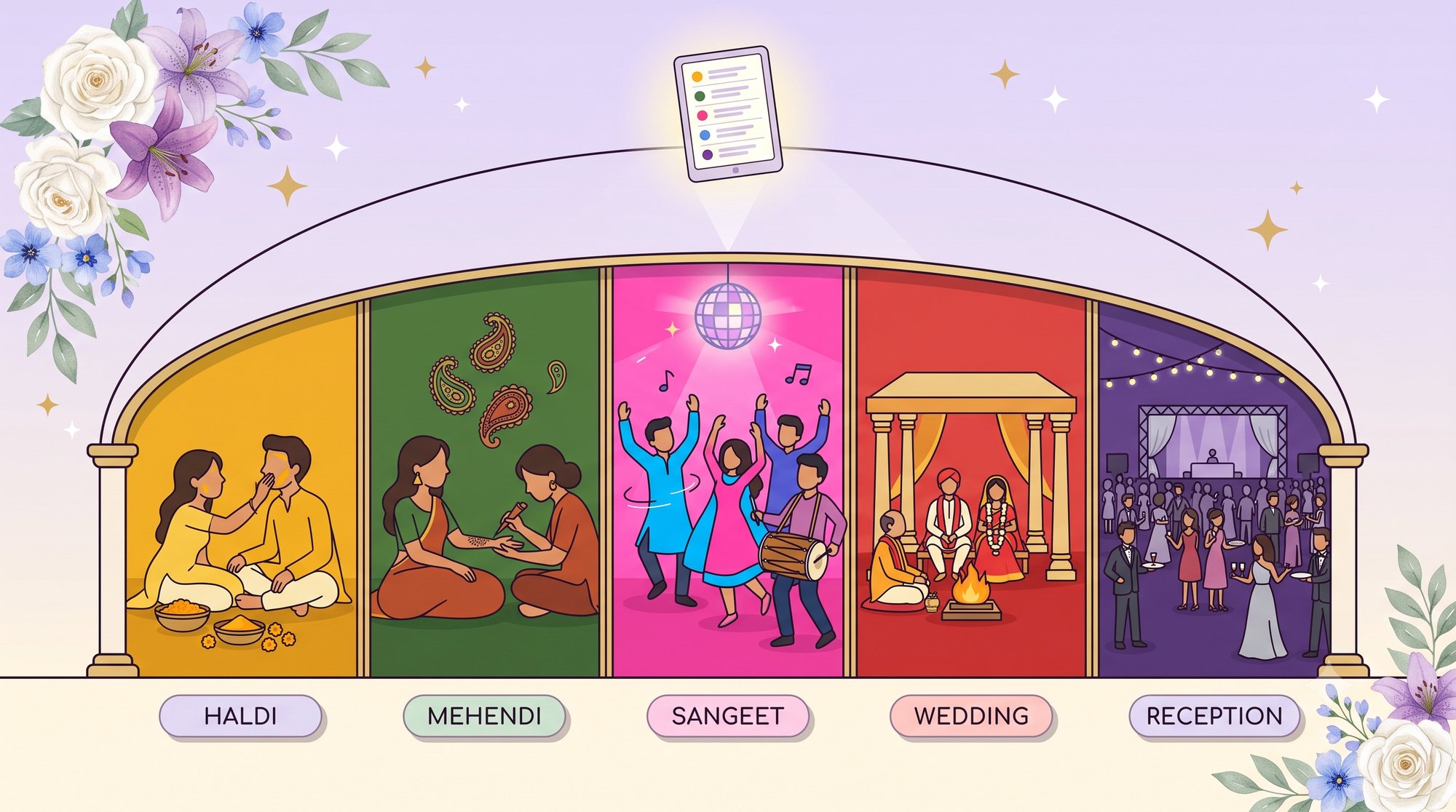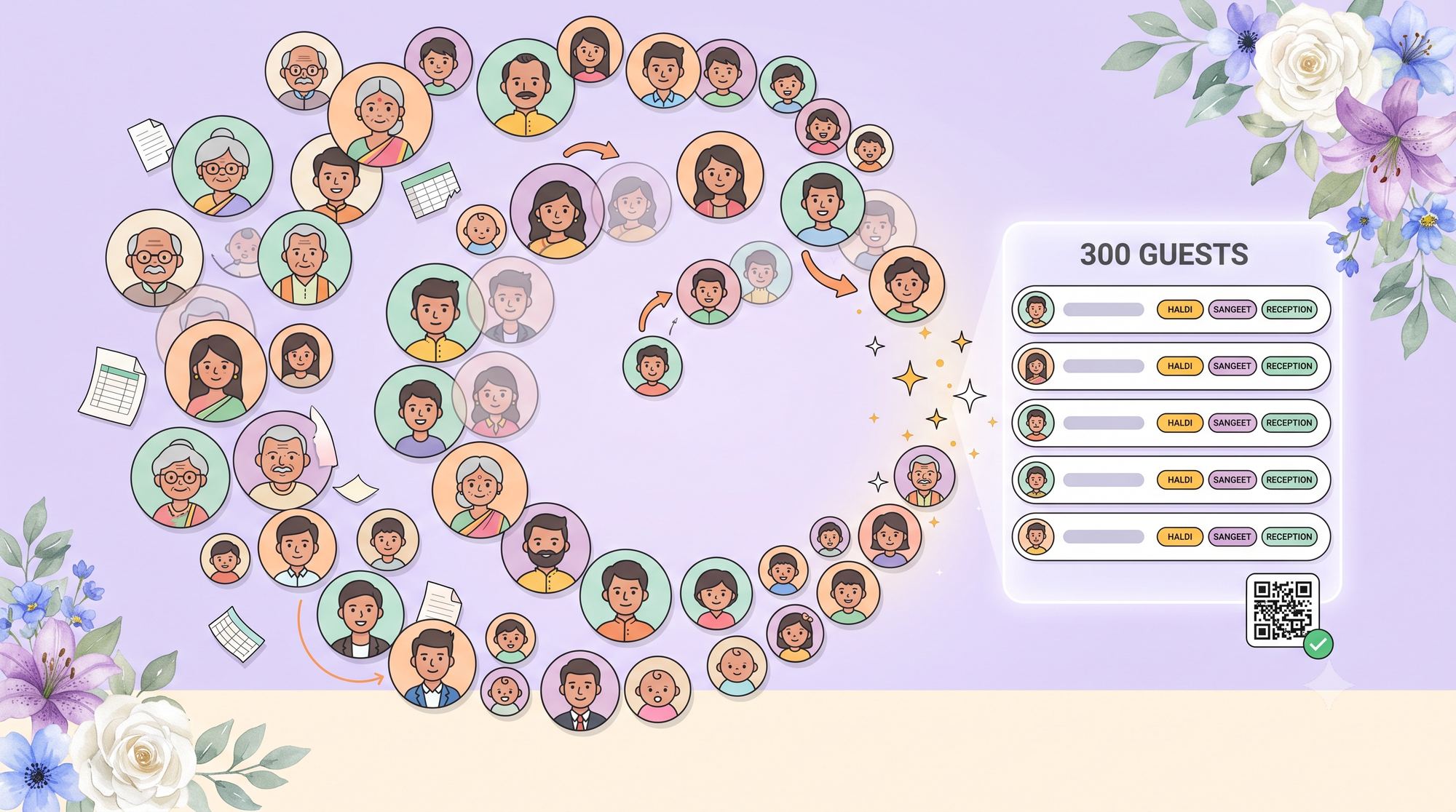
The guest list is the quiet engine of a wedding. It drives the budget, the catering, the seating, and the stress. And for a big celebration — three hundred names across five events — it has a way of turning into a tangle of spreadsheets nobody fully trusts. Here’s how to keep it sane.
Why the spreadsheet breaks down
A single Excel file is great for a hundred lines. The trouble at scale is everything around it:
- Duplicates. The same auntie appears three times under three spellings.
- Versions. You email the file, someone edits their copy, and now there are two truths.
- Per-event chaos. Haldi, Sangeet, and the reception each have different lists, so one sheet becomes many.
- Missing data. Half the rows have no email, so they quietly get skipped.
A system that actually scales
You don’t need to abandon your spreadsheet — you need to give it a home where these problems can’t happen. Four principles:
1. One list, one source of truth
Pick a single place the list lives, and make every change there. No emailed copies. When the planner and the couple look at the list, they should see the exact same thing.
2. Track attendance per event, not per wedding
“Coming to the wedding” and “coming to the Sangeet” are different facts. Tracking attendance per function is what lets your caterer get accurate numbers for each night.
3. Keep names, even without emails
Plenty of guests — grandparents, family friends — won’t have an email on file. They still need to be counted, seated, and welcomed. A good system keeps them on the list by name rather than dropping them.
4. Let the data come to you on the day
The list shouldn’t end at the planning stage. On the day, it should quietly tell you who has actually arrived — without anyone standing at the door with a clipboard.

How eventsplanning.ai handles it
This is exactly the problem eventsplanning.ai was built for. Upload the guest spreadsheet you already have and eventsplanning.ai merges it into one shared list — reading every event sheet, keeping guests who have no email address, and matching people across functions so the same person isn’t counted twice. Planner and couple share the list and always see the current version.
On the day, guests check themselves in by scanning a QR code and entering their name. The list updates itself, and you get a clean record of who arrived at each event — no clipboard, no bottleneck.
Import once. Stop versioning forever.
Bring your guest spreadsheet into eventsplanning.ai and get one shared, always-current list — with per-event attendance and day-of check-in built in.
Try It FreeThe goal isn’t a perfect spreadsheet. It’s never having to ask “which version is the latest?” again.
Three hundred guests will always be a lot of people to love and feed. But the list doesn’t have to be the hard part. Give it one home, track it per event, keep everyone on it, and let check-in do the counting for you.