Let’s be honest: planning a wedding is one of the most joyful — and most chaotic — projects most people will ever take on. A single celebration can involve five events, a dozen vendors, three hundred guests, and a hundred tiny decisions a week. The question isn’t whether you’ll be organized. It’s what keeps you organized.
For decades, the answer was a binder, a stack of spreadsheets, and a very long group chat. It works — until it doesn’t. Below, we compare the way weddings have traditionally been planned with the way modern couples and planners do it today, and we’re honest about where each one shines.
The beautiful chaos of the traditional way
There’s nothing wrong with a spreadsheet. The trouble starts when the spreadsheet multiplies. Most couples we meet are juggling some version of this:
- A guest list in Excel — actually, three versions of it, emailed back and forth, each slightly different.
- RSVPs trickling in by text, WhatsApp, and the occasional phone call, tracked in someone’s head.
- A timeline that lives on paper, so the photographer, the caterer, and the in-laws each have a different idea of when things start.
- Vendor contracts in an email folder, a budget in another sheet, and a seating chart on sticky notes.
Each tool is fine on its own. The problem is that none of them talk to each other, and the person holding it all together — usually the couple or a parent — becomes a human database. That’s a recipe for stress, duplicated effort, and the dreaded “wait, which version is the latest?”
What “planning smarter” actually means
Modern planning isn’t about replacing the human touch with software — it’s about removing the busywork so the human touch has room to breathe. The idea is simple: keep the guest list, the timeline, the vendors, and the day-of logistics in one shared place, so everyone’s looking at the same, always-current picture.
That’s exactly what eventsplanning.ai was built to do. Here’s how the two approaches stack up.
| What you’re managing | The traditional way | With eventsplanning.ai |
|---|---|---|
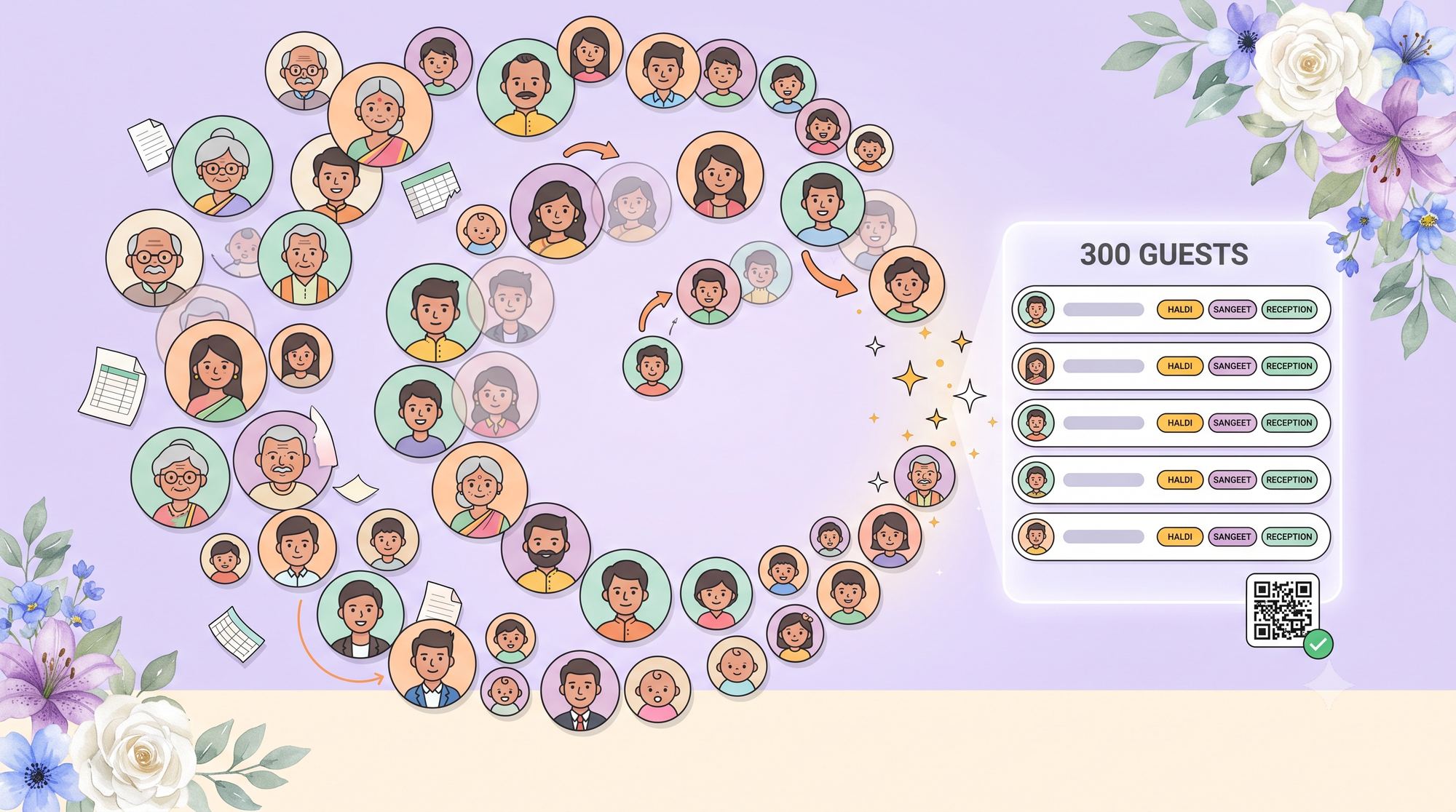
| Guest list | Multiple Excel files, manual de-duping, lost edits | Import your spreadsheet once; one shared list per event, names and all |
| RSVPs & attendance | Tracked by text and memory | Per-event attendance, visible to everyone planning |
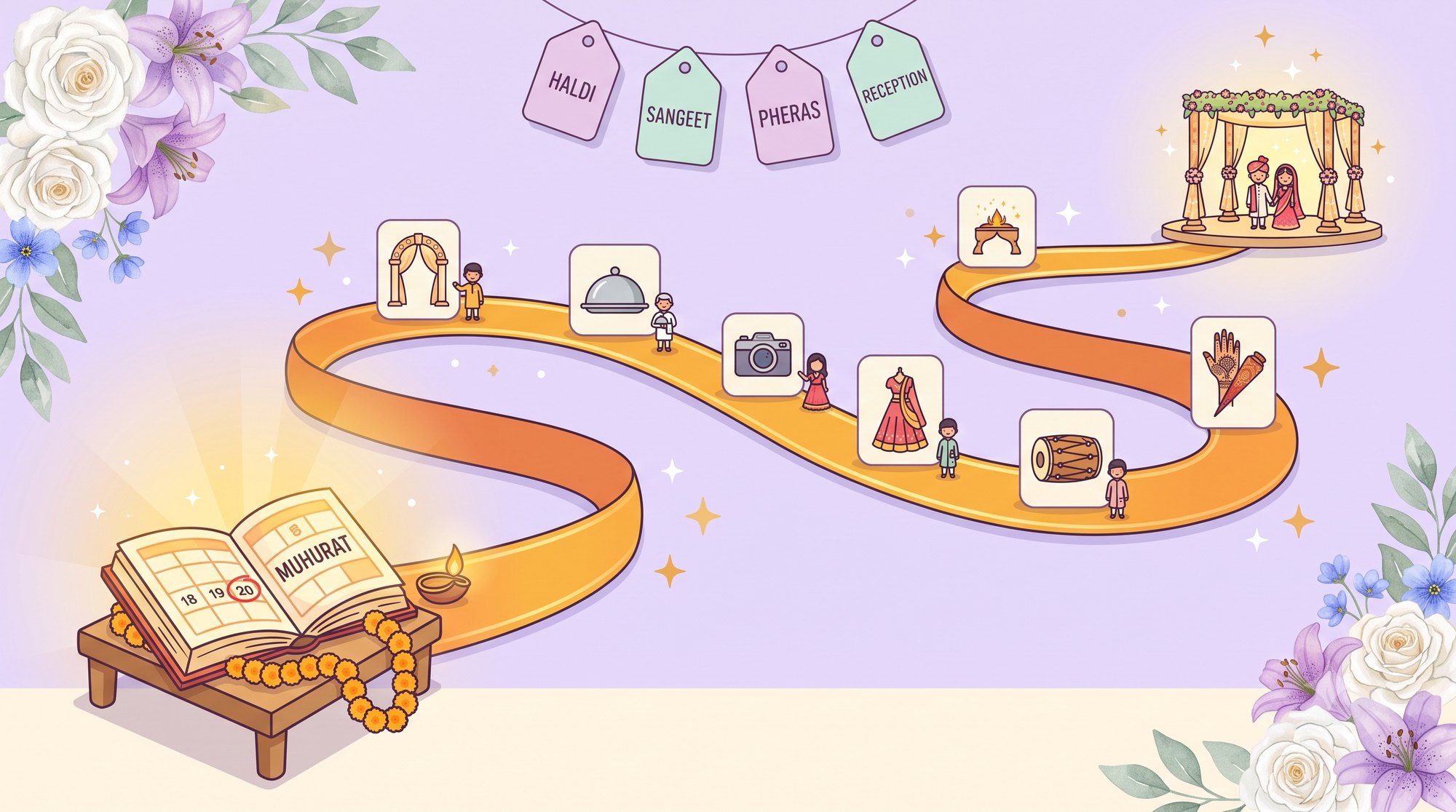
| The timeline | On paper; everyone has a different copy | A live run-of-show guests and vendors can pull up on their phone |
| Vendor & budget coordination | Scattered across email and sheets | Kept beside the event it belongs to |
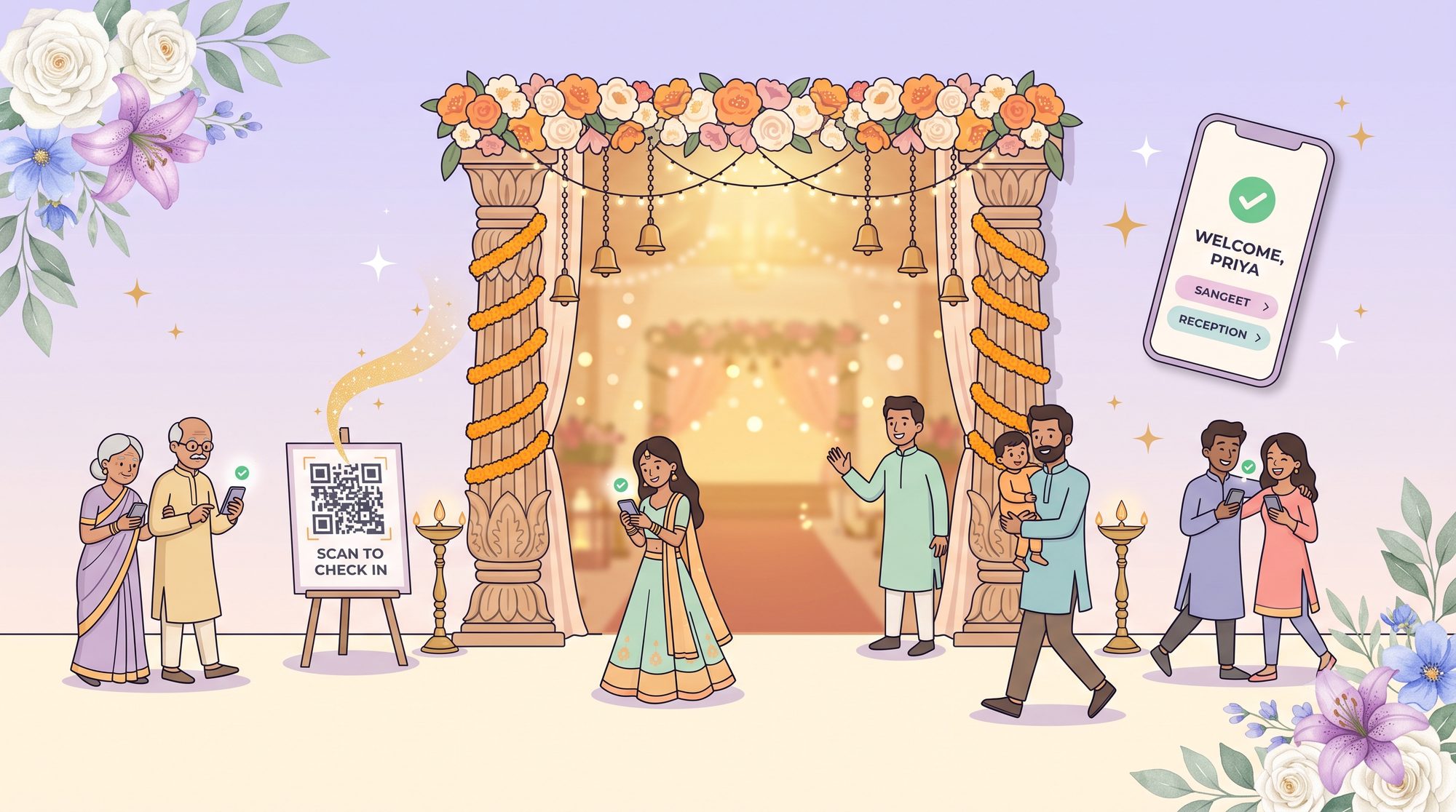
| Day-of check-in | A printed list and a pen at the door | Guests scan a QR code and check themselves in |
| Access & sharing | “Can you re-send the latest version?” | Planner and couple share one workspace, synced across devices |
Where eventsplanning.ai fits into your day
Rather than list every feature, here are the four moments where the difference is most obvious.
1. Your guest list stops fighting you
Upload the spreadsheet you already have. eventsplanning.ai reads it — even when your wedding spans several events on separate sheets — and turns it into one clean, shared guest list. Guests without an email address still appear by name, so no one gets dropped. No more “final_FINAL_v3.xlsx.”

2. The timeline becomes something guests can actually follow
Build your run-of-show once — Haldi at 9:00, Baraat at 10:30, dinner at 8:00 — and it becomes a living timeline guests can open from their phone. Reorder a step and everyone sees the update instantly. You decide what’s public and what stays internal.
3. Check-in feels like a welcome, not a checkpoint
Instead of a clipboard at the door, guests scan a QR code, type their name, and see exactly the events they’re invited to. You get a quiet record of who arrived — useful for the caterer and lovely for the memories.
4. The couple and the planner finally share one source of truth
Because everything lives in one workspace that syncs across devices, the planner and the couple are never working from different copies. The endless “can you re-send that?” simply goes away.
See your wedding in one calm workspace
Bring your timeline, guest list, vendors, and day-of check-in together — built for planners and couples alike. It’s free to start.
Get Started Free“But isn’t a great planner still worth it?”
Absolutely — and this is the part the “app vs. human” framing gets wrong. A brilliant planner is irreplaceable: the taste, the vendor relationships, the calm in a crisis. Software doesn’t compete with that. It gives the planner (and the couple) fewer spreadsheets to babysit and more time for the parts that actually matter. The best of both worlds is a wonderful planner using a tool like eventsplanning.ai — not one or the other.
Frequently asked questions
Do I have to re-type my guest list?
No. Upload the Excel file you already have. eventsplanning.ai reads it — including multi-event weddings with a sheet per function — and builds a single shared list. Guests without emails still appear by name.
Is it only for professional planners?
Not at all. Couples plan their own weddings on eventsplanning.ai every day, and planners use it with their clients in a shared workspace. Both see the same up-to-date information.
Will my guests need to download an app?
No. Guests simply scan a QR code or open a link to see the timeline and check in — right in their phone’s browser, no install required.
Can I keep some details private?
Yes. You control what guests can see. Internal notes and back-of-house timing stay hidden until you choose to share them.
What does it cost to start?
You can create an account and start planning for free. Reach out to our team if you’d like a hand getting set up.